You name the distractions.
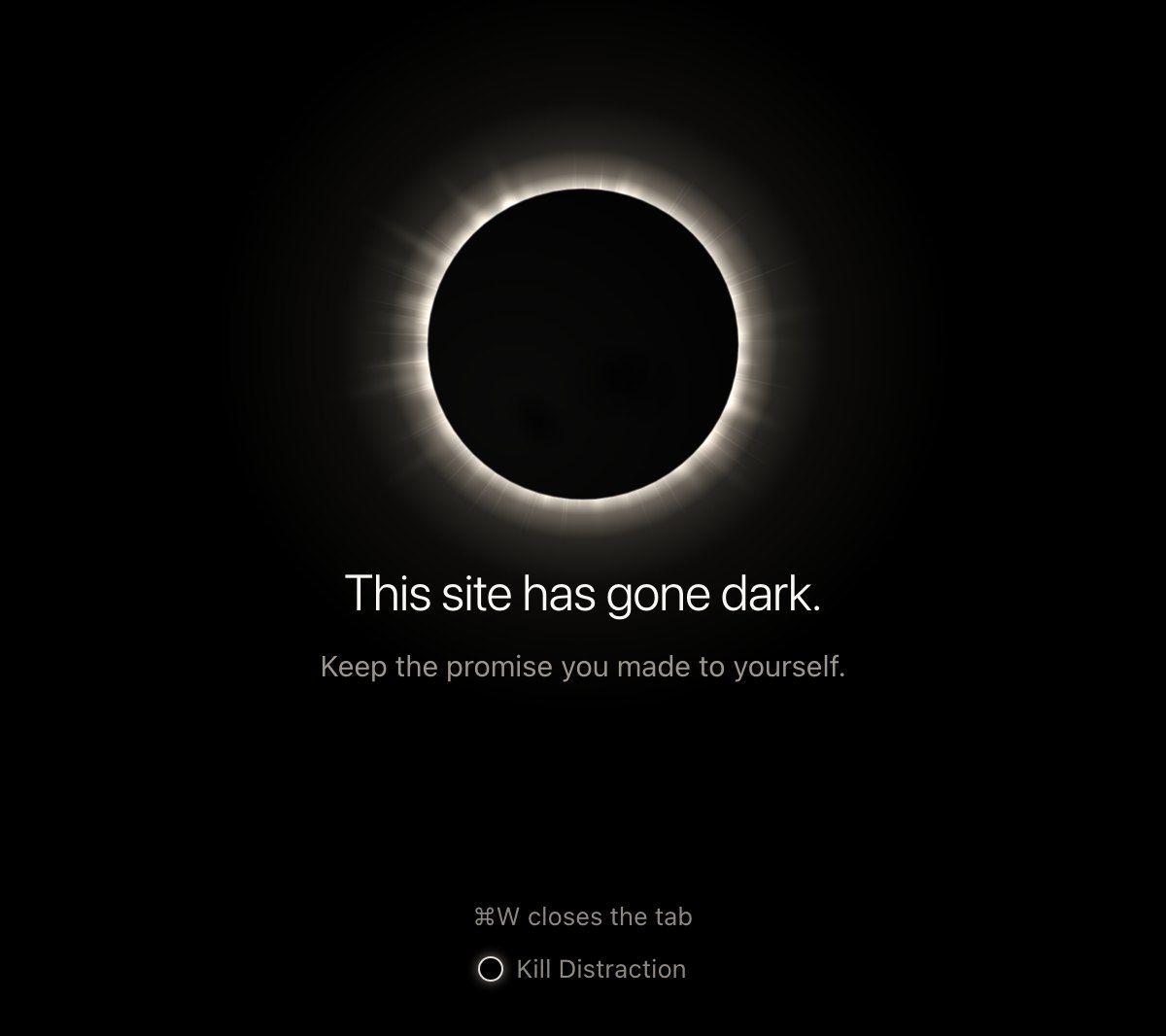
They close the moment they open, and their sites land on the wall. Browsers close gently, so you never lose a login.
- YouTube hit the wall
- Discord closed
- x.com hit the wall
- WhatsApp closed
- instagram.com hit the wall
 Kill Distraction
Download
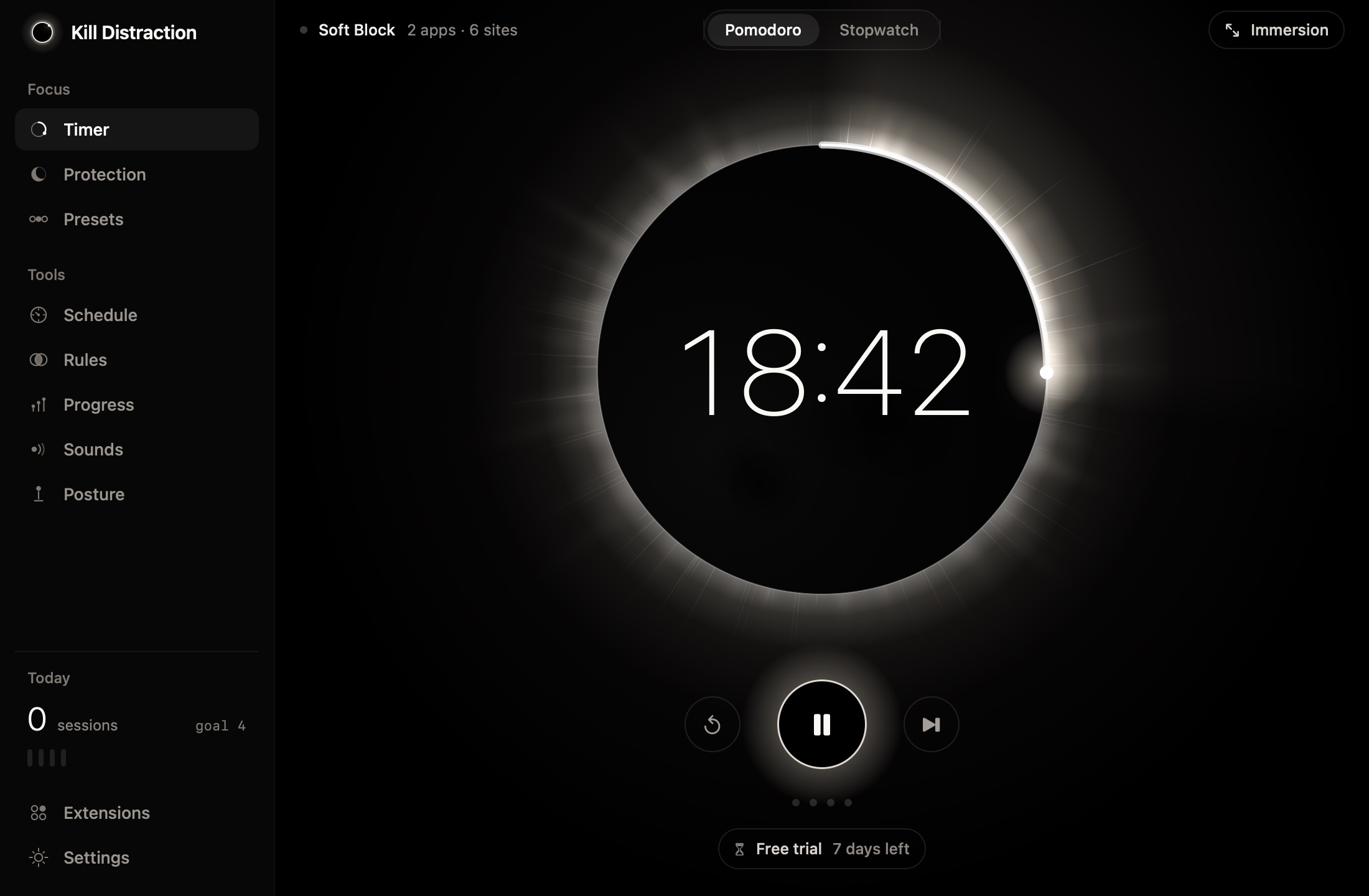
A Pomodoro for Mac that actually blocks. Distracting apps close, sites hit a wall, and your focus lights up the eclipse until the work is done.
Distracting apps close
the moment they open
Sites hit a wall,
in every browser
Focus becomes
a ritual
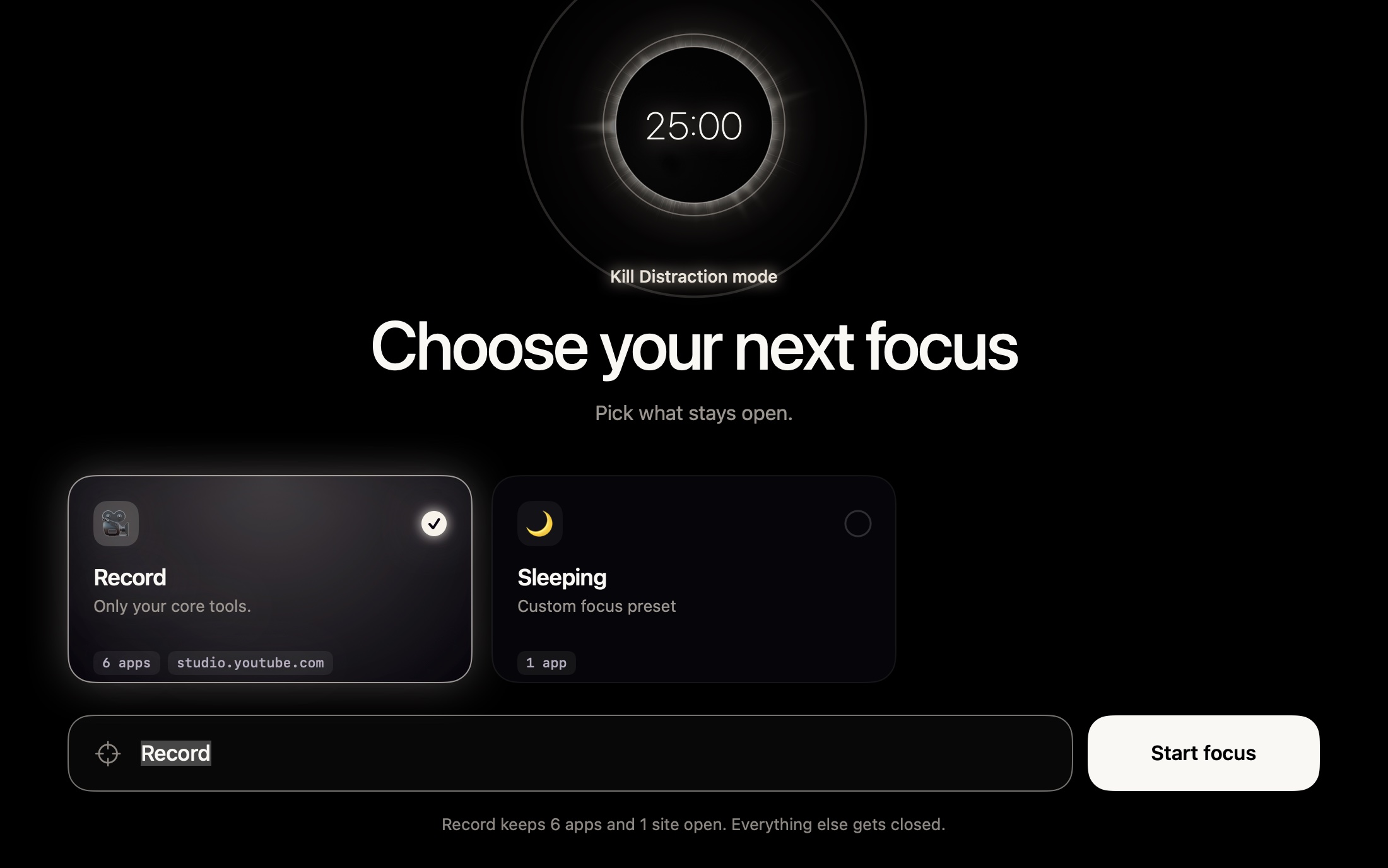
Soft Block closes the apps and sites on your list. Kill mode goes further: only the tools you picked for this session stay open. Everything else is gone until the timer says so.
They close the moment they open, and their sites land on the wall. Browsers close gently, so you never lose a login.
Choose a focus lane (Deep Work, Editing, Writing) and only its apps and sites survive the session.
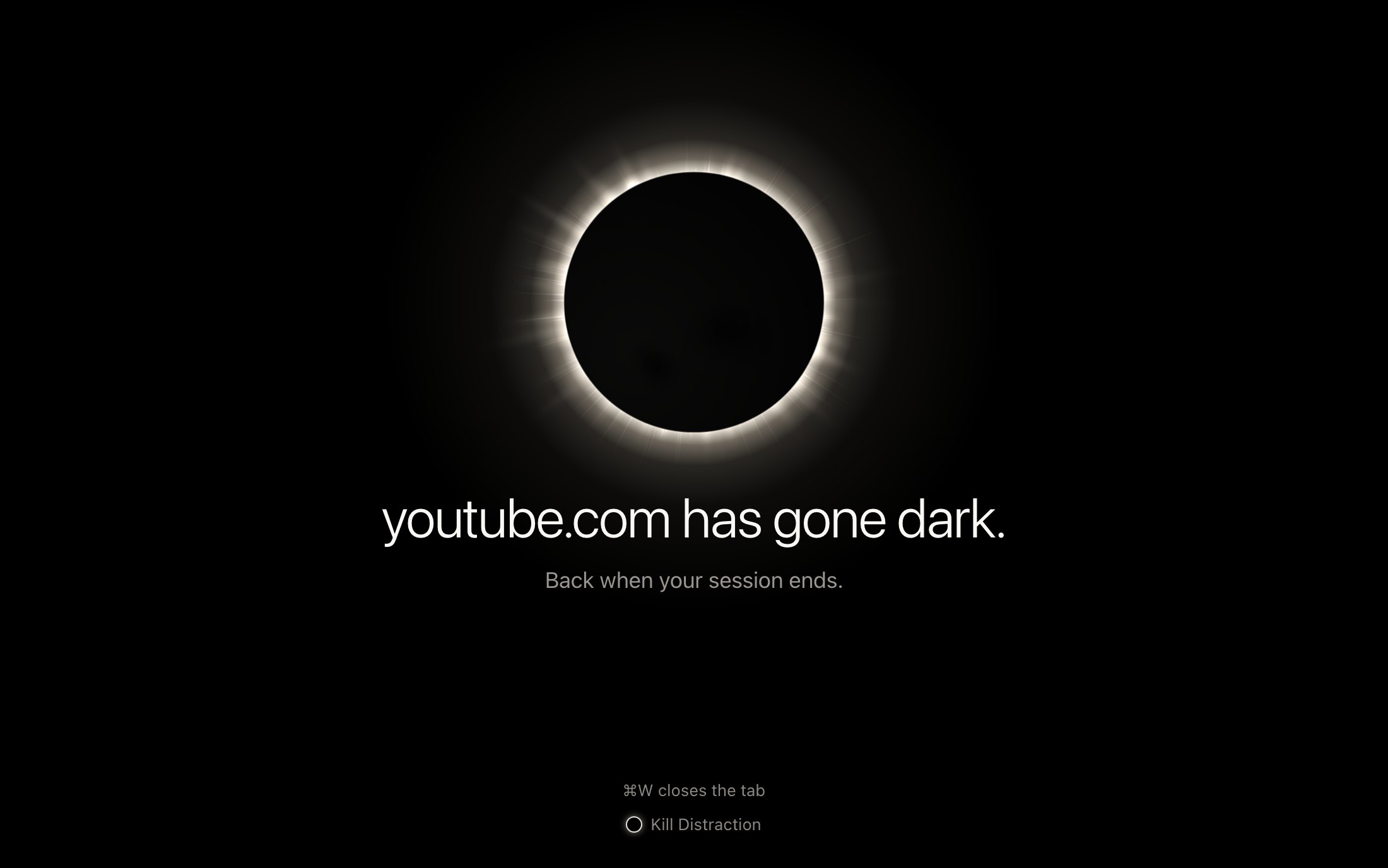
Focus sessions, Kill Scroll and Kill Porn share a single blocker. Every 1.5 seconds it checks every tab you can see, on every screen, in Safari, Chrome, Arc, Brave and Edge. Turn on Block in every app, and the same sites close in every other app too: Firefox, chat apps, the browser inside another app.
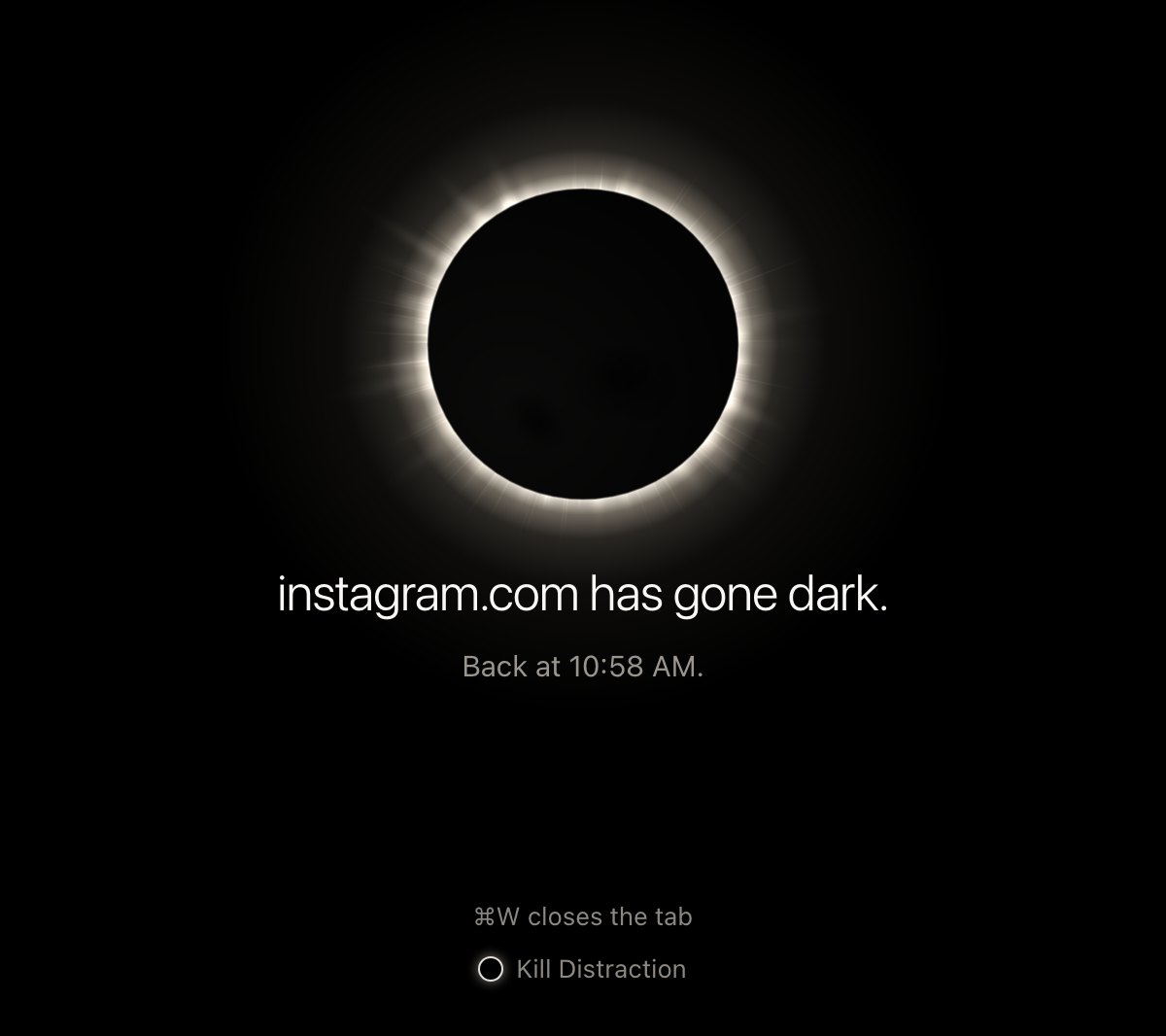
List the sites that eat your time. After five minutes of scrolling, Kill Scroll asks whether you go on. On Hard it asks nothing: they close, and the wall counts down until they open again.
More than 76,000 adult domains behind a wall you commit to with Touch ID, for 30 days up to a year. The site's name never shows on screen, so it's safe on stream.
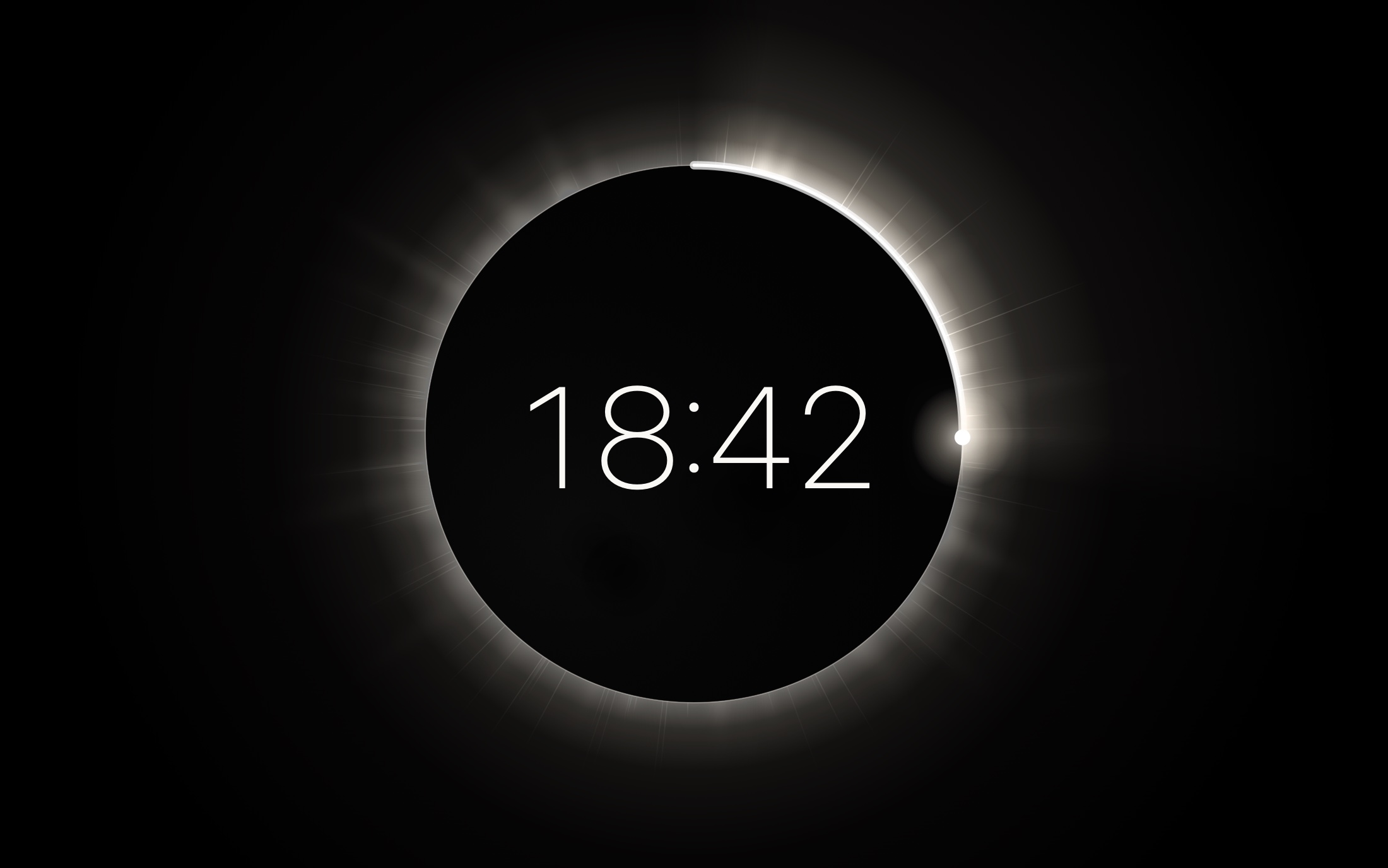
Immersion sends the timer full screen on one display while you work on the other. Esc to leave, Space to pause. The controls only show up when your mouse moves.
Built to hold
Siri
“Start a focus session in Kill Distraction.” Hardcore and stop work the same way, and a Hardcore session still has no way out.
Manifesto
Your attention is the only thing you truly own.
Every app on your screen is built to take it.
Kill Distraction takes it back, one session at a time.
The scroll is infinite. Your life is not.
The sun is the noise. Every feed, every ping.
The moon is your will.
When it passes in front, the noise goes dark.
What still shines is your focus.
The noise is still there. It just has no power over you.
Questions
It's free for 7 days, with everything open and no card. After that a license is $6.99 a month, $39.99 a year or $99.99 once, and one license works on 2 Macs. Without one, nothing new starts, but whatever you already started runs to its end. The pricing page has the three plans side by side.
No. The eclipse changes once a second, when the time does, and nothing moves in between. With Performance mode on, the window does even less while you're in another app.
Safari, Chrome, Arc, Brave and Edge, where a blocked tab lands on the wall. Turn on Block in every app, in Settings, and blocked sites close in every app, Firefox included: they just don't load there.
Not easily, and that's the point. Quitting during a session asks for Touch ID or your password. A Hardcore session can't be quit at all, and if the app is closed anyway it comes back within seconds. With Block in every app on, Hardcore sessions, Kill Porn and Kill Scroll's closings hold even if the app is quit or deleted, and turning the filter off asks for your Mac's administrator password. Once a week, an emergency pass lets you out of a Hardcore session.
Only if you ask. By default the wall appears in the browser tab itself. Block in every app, if you turn it on, uses Apple's content filter: it reads the name of the site each connection goes to, on your Mac, and stops the blocked ones. DNS, the firewall and /etc/hosts are never changed, so VPNs, work networks and OBS streams keep running.
It stays on your Mac. There are no ads and no tracking, and you don't need an account: your lists, your stats and the sites you block never leave it. The app sends your license key to Polar, to check it, and asks this site every few hours whether a newer version exists. The wall a blocked tab lands on comes from the app; when you are online, your browser also loads it from this site, which is never told what was blocked. If you choose to sign in to keep two Macs in step, what they share goes through our server, and nothing else does. The privacy policy has the details.
Yes. Sign in with Apple or Google in Settings on each Mac, and a session started on one starts on the other within the second. Your lists and programmed blocks follow. It's optional, and it needs macOS 14.4 or later.
An optional wall in front of more than 76,000 adult domains. You commit for 30, 90, 180 or 365 days with Touch ID, and it stays on until the end. The blocked site's name never shows on screen.
Yes. Immersion takes one display full screen while you keep working on the other.
Macs with Apple silicon, on macOS 13 Ventura or later.
Leaving already?